I designed a training suite that teaches hands-on industrial skills, from VR simulation to AI tutor
- TAP
- Simulation training suite
- Founding designer
- 2023–now
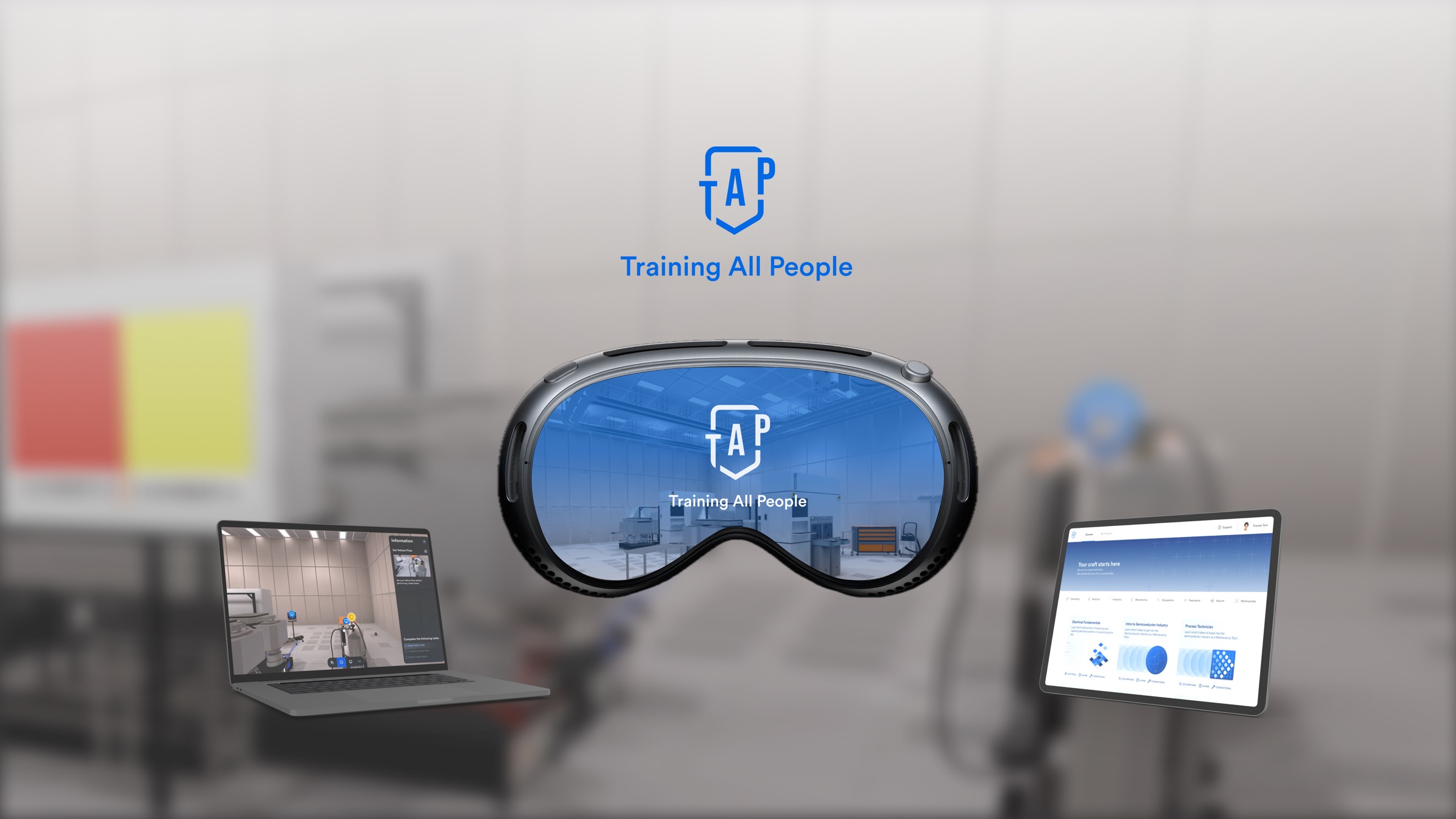
I designed TAP's training suite end to end for a wide spectrum of learners, from 15-year-olds to people in their 50s, who have very limited experience with technology and VR.
It spans simulations that engage learners anywhere, build hands-on skills, and deepen understanding, plus the tools instructors use to run class.
Outcome
- 46% average skill improvement
- 92 NPS
- 50% faster time to productivity
1. Complex machine interfaces, reduced to what a learner in VR can handle
Precision measurement
CNC
Robotics
2. Anchoring design and product development in deep comprehension over in-the-moment engagement
What sets TAP apart from other VR training: every simulation is designed for understanding, not just completion.
Instruction panels learners can see and hear
Randomized quizzes that make them think ahead
"Learn more" moments that show what happens inside a machine
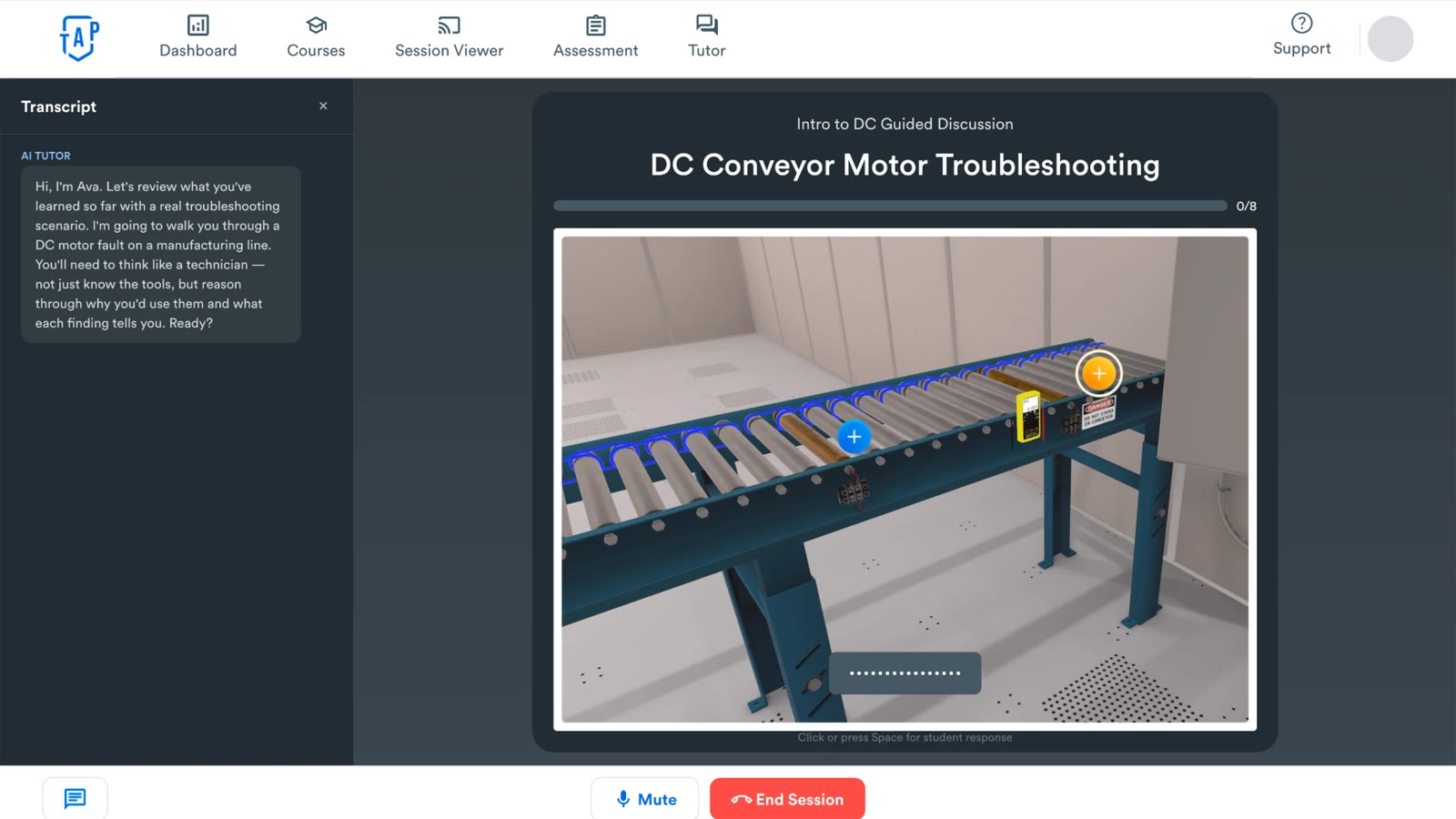
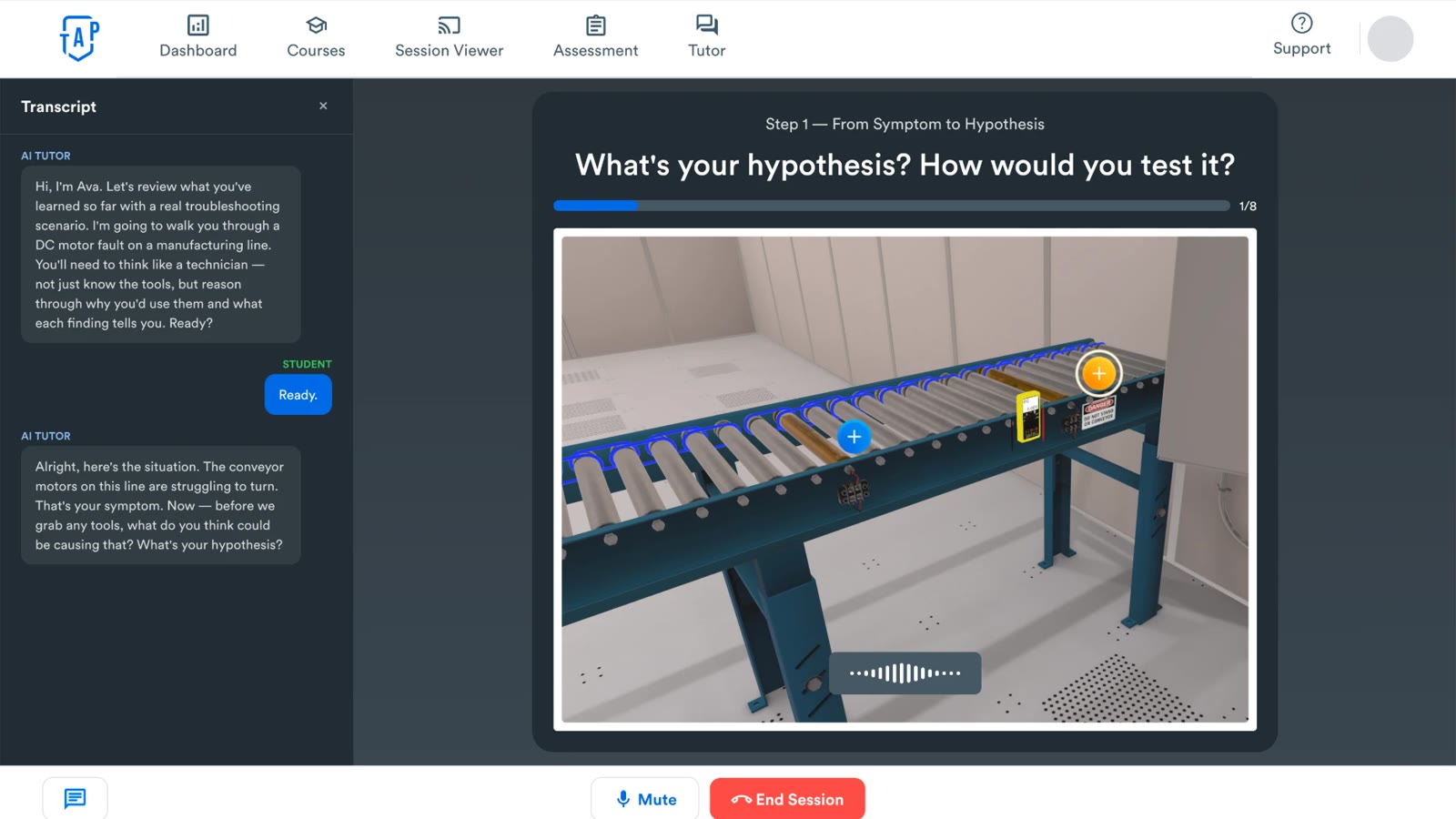
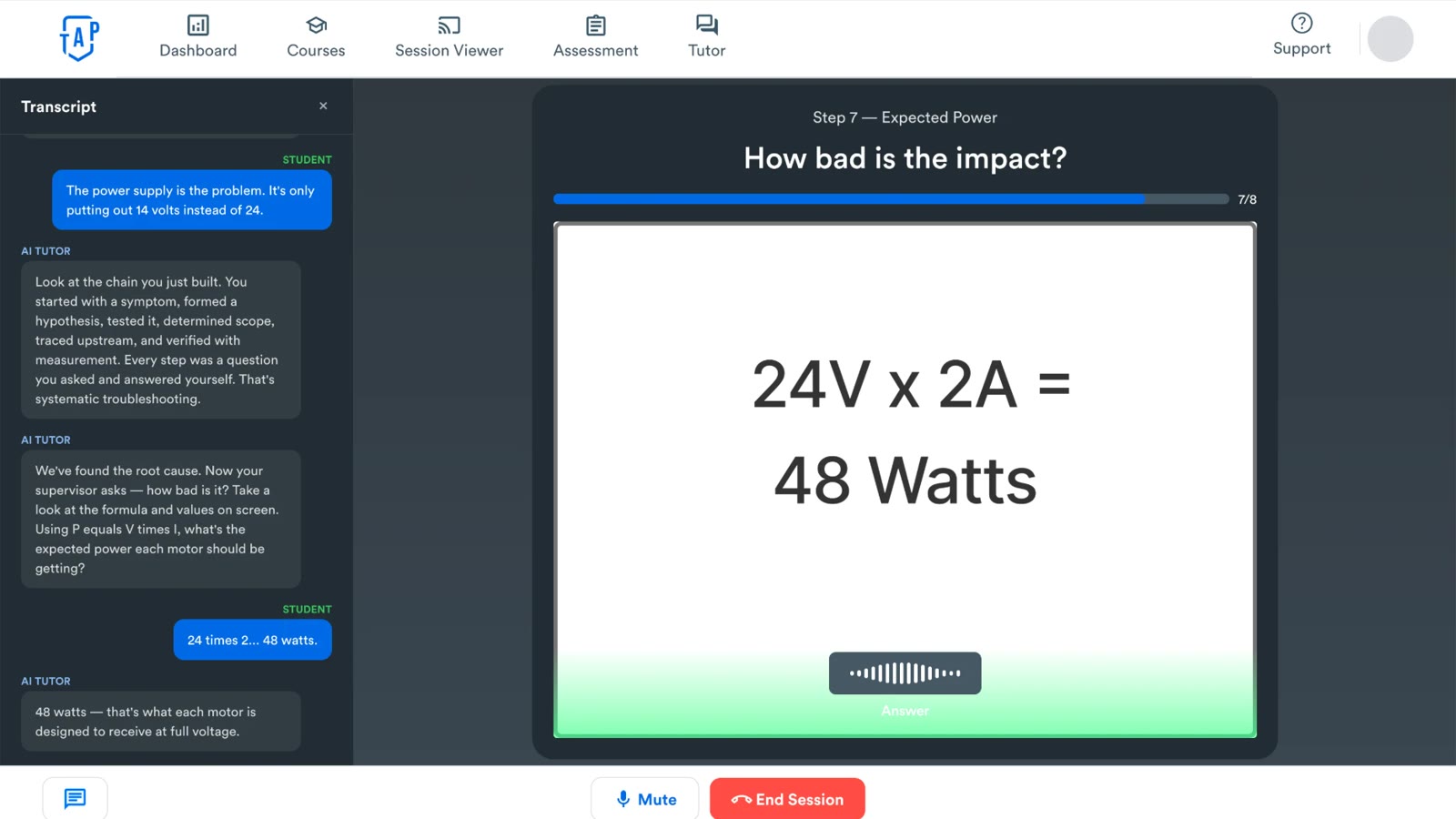
3. One interaction system for every simulation, from core logic to wayfinding
Every course puts learners in a different factory, with different tools and tasks. I designed one interaction system that scales across all of those hand interactions, with the same rules in VR and the browser. The same system guides how learners move through a space: wayfinding, discovering the next task, and teleportation that keeps first-time users comfortable.
One interaction, and the rule it follows
Left: checking a valve for leaks in VR. Right: the same moment as the system sees it. They move together.
When the system teaches, and when it stays quiet
A hint is only useful the first time. After that it waits to be asked.
- Part of the task, first timeCome within reach and the hint appears straight away.
- Part of the task, done beforeNo hint. Keep pointing at it and the hint comes back.
- Not part of the taskThe outline is faint. A hint shows only after a long look.
Every action, the same four states
Each tile is one thing a learner can do with their hands. Each runs through the same four states. On the left, the controller move that carries it.
- Discover: this is the one
- Educate: here is how
- Feedback: you are doing it
- Success: done
Finding the next thing, and getting to it
The same system guides how learners move through a space.
The course team now builds new simulations on this system without me.
4. Turning session data into insight for instructors
All trainees last 3 months
Electrical fundamentals skill distribution
Electrical fundamentals trainee performance
Question 4 before and after
A series of tutorials and instructional content that gets instructors ready to run their first class, shaped by sitting in on real ones.
Kept at the overview level on purpose: no internal tooling, customer data, or roadmap.